How to set up a Samsung Clean Station
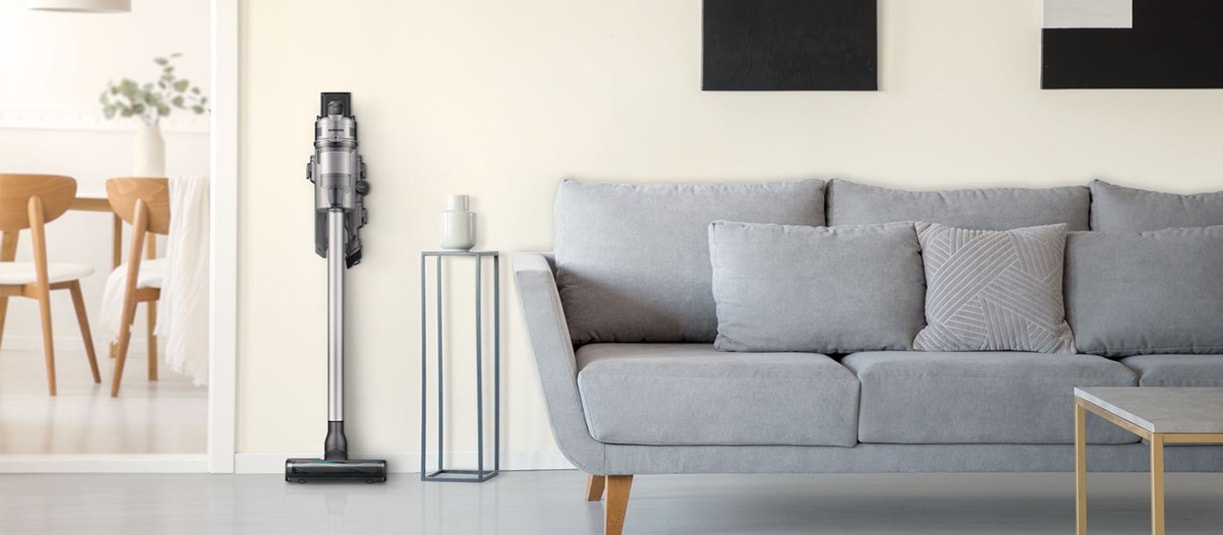
How to Set Up the Samsung Clean Station for Jet Vacuum Cleaners
The Samsung Clean Station™ is designed to automatically empty your Jet™ vacuum cleaner's canister, keeping your home clean and hygienic. To ensure efficient operation, follow these setup instructions carefully.
1. Why is Proper Setup Important for the Clean Station?
The Samsung Clean Station™ requires correct placement and power supply to function effectively. Improper setup can lead to reduced suction power, incomplete emptying, or even damage to the device. Ensuring the Clean Station™ is stable, well-positioned, and properly connected to power is essential for maintaining its performance and longevity.
2. Supported Samsung Jet Vacuum Models
The Clean Station™ is compatible with the following Samsung Jet™ models:
- Samsung Jet 90
- Samsung Jet 70
- Samsung Jet 75
- Samsung Jet 85
3. How to Set Up the Clean Station
Follow these steps to set up your Samsung Clean Station™:
- Choose a Suitable Location: Place the Clean Station™ in a flat, stable area with enough space around it for proper airflow. Avoid placing it near heat sources or in direct sunlight.
- Connect the Power Cord: Plug the Clean Station™ into a nearby power outlet. Ensure the power cord is not tangled or obstructed.
- Align the Jet Vacuum: Position your Jet™ vacuum cleaner directly above the Clean Station™. The nozzle should align perfectly with the Clean Station's opening.
- Check the Status Indicator: Once connected, the Status Indicator at the top of the Clean Station™ will turn white briefly, confirming it is powered on.
4. Additional Things to Check
- Ensure the Clean Station™ is not tilted or leaning against objects, as this can affect its stability and performance.
- Regularly inspect the dust bag inside the Clean Station™ and replace it when full to maintain optimal suction power.
- Keep the area around the Clean Station™ clear of obstacles to allow for smooth operation.
5. Why the Clean Station May Not Work Properly
- Incorrect Placement: Misalignment between the Jet™ vacuum and the Clean Station™ can prevent proper emptying.
- Power Issues: Loose or damaged power cords can cause the Clean Station™ to malfunction.
- Full Dust Bag: A full dust bag reduces suction efficiency and prevents proper emptying.
6. Related Samsung Support Topics
Thank you for your feedback!
Please answer all questions.