Do Galaxy Buds3 and Buds3 Pro Support Hands-Free Use?
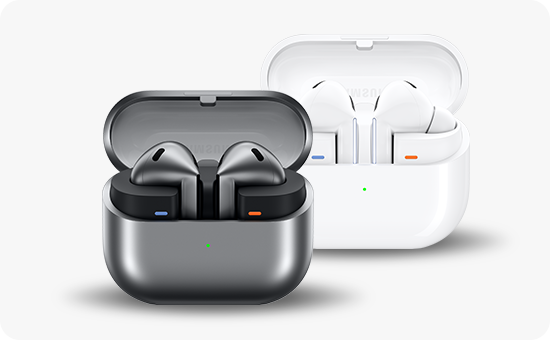
Do Samsung Galaxy Buds3 and Buds3 Pro Support Hands-Free Voice Commands?
Yes, the Samsung Galaxy Buds3 and Buds3 Pro support hands-free voice commands, allowing you to control music playback, manage calls, and adjust volume without touching your earbuds.
1. How to Enable Hands-Free Voice Commands on Galaxy Buds3/Buds3 Pro
- Open the Galaxy Wearable app on your smartphone.
- Connect your Galaxy Buds3 or Buds3 Pro to the app.
- Navigate to Earbud Settings.
- Select Voice Controls.
- Toggle on Voice Commands to activate hands-free functionality.
2. What Can You Control with Hands-Free Voice Commands?
- Play/Stop Music: Say "Play" or "Stop" to control your music.
- Next/Previous Song: Use "Next song" or "Previous song" to skip tracks.
- Volume Adjustment: Say "Volume up" or "Volume down" to adjust the sound level.
- Call Management: Use "Answer call" or "Reject call" to handle incoming calls.
3. Supported Samsung Galaxy Devices
The hands-free voice command feature is compatible with Samsung Galaxy devices running Android 10 or later, including the Galaxy S24, S25, S26, Galaxy Z Fold, Galaxy Z Flip, and Galaxy A series smartphones.
4. Additional Things to Check
- Ensure your Galaxy Buds3/Buds3 Pro firmware is updated to the latest version for optimal performance.
- Verify that your smartphone's Bluetooth connection is stable and active.
- Make sure the Galaxy Wearable app is installed and updated on your device.
5. Related Samsung Support Topics
Thank you for your feedback!
Please answer all questions.