Connect Buds3 Pro to Samsung Phone First Time
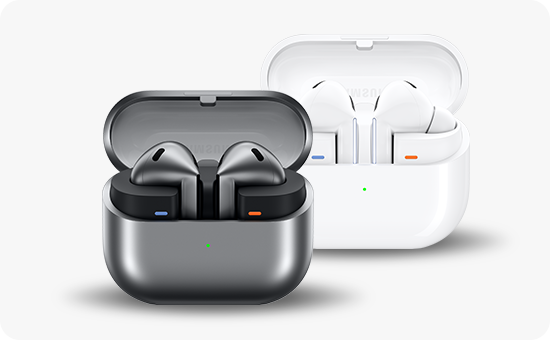
How do I pair my Galaxy Buds3 Pro with a Samsung phone for the first time?
To pair your Galaxy Buds3 Pro with a Samsung mobile device for the first time, ensure both devices are nearby, open the charging case, and follow the on-screen prompts. The process typically takes less than a minute and works seamlessly across Galaxy S24, Galaxy Z Fold, and other compatible Samsung devices.
1. How to connect Galaxy Buds3 Pro to a Samsung mobile device
- Ensure the charging case has sufficient power. If the battery indicator light doesn't flash, charge the case for at least 10 minutes.
- Open the charging case. The earbuds should automatically enter pairing mode, indicated by a flashing light.
- If automatic pairing doesn't trigger, press and hold the Connect button on the bottom of the case for more than 3 seconds.
- A pop-up window will appear on your Samsung mobile device. Tap "Connect" and follow the on-screen instructions to complete the pairing process.
- Once connected, the earbuds will automatically reconnect to your device whenever you open the case.
2. What if the pop-up window doesn't appear?
If the pairing pop-up doesn't appear on your Samsung device:
- Ensure Bluetooth is enabled on your mobile device.
- Make sure your Samsung device is running the latest software version.
- Restart your mobile device and try the pairing process again.
3. Supported Samsung Galaxy devices
The Galaxy Buds3 Pro are compatible with most Samsung Galaxy devices, including:
- Galaxy S24 series
- Galaxy S25 series
- Galaxy Z Fold series
- Galaxy Z Flip series
- Galaxy A series
4. Additional things to check
- Verify that your Samsung device is within close proximity to the charging case during pairing.
- Ensure no other Bluetooth devices are actively connected to your mobile device.
- Check for software updates on both your Galaxy Buds3 Pro and Samsung mobile device.
5. Related Samsung support topics
Thank you for your feedback!
Please answer all questions.