Why Is My Galaxy Buds3 Battery Draining Faster?
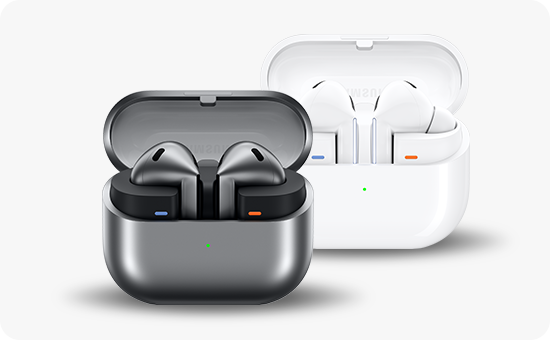
Why does the battery of the Galaxy Buds3/Buds3 Pro deplete faster than when it was first purchased?
Your Galaxy Buds3 or Buds3 Pro may experience faster battery depletion due to natural battery aging, environmental conditions, or improper storage. This guide explains the causes and offers practical solutions to maintain optimal battery performance.
1. Why does the battery drain faster over time?
Several factors contribute to the reduced battery life of your Galaxy Buds3 or Buds3 Pro:
- Battery aging: The battery is a consumable component, and its capacity decreases with regular use and charging cycles.
- Temperature exposure: Extreme heat or cold can temporarily reduce battery efficiency and accelerate long-term degradation.
- Improper storage: Leaving the earbuds outside the charging case can keep touch-sensitive sensors active, draining the battery.
2. How can I optimize battery performance?
- Store in the charging case: Always place your earbuds in the charging case when not in use to conserve battery life.
- Maintain moderate temperatures: Avoid exposing your earbuds to extreme heat or cold, such as leaving them in a car or direct sunlight.
- Update firmware: Ensure your earbuds are running the latest firmware for optimal battery management.
- Reduce sensor activity: Disable unnecessary features like auto-ear detection or ambient sound mode when not needed.
3. Supported Samsung Galaxy devices
This guide applies to the following Galaxy Buds models:
Galaxy Buds3, Galaxy Buds3 Pro
4. Related Samsung support topics
Thank you for your feedback!
Please answer all questions.